Terminal-first
Sessions, agents, slash commands, and tool approvals live in the TUI. Windows Terminal is the best host.

Agent Terminal
DownloadRXCode is your uncensored CLI for coding in the terminal. Sign in with Google. Work in a real folder on Windows.
Same RX.AI account as qalyx.dev. No API key to paste.
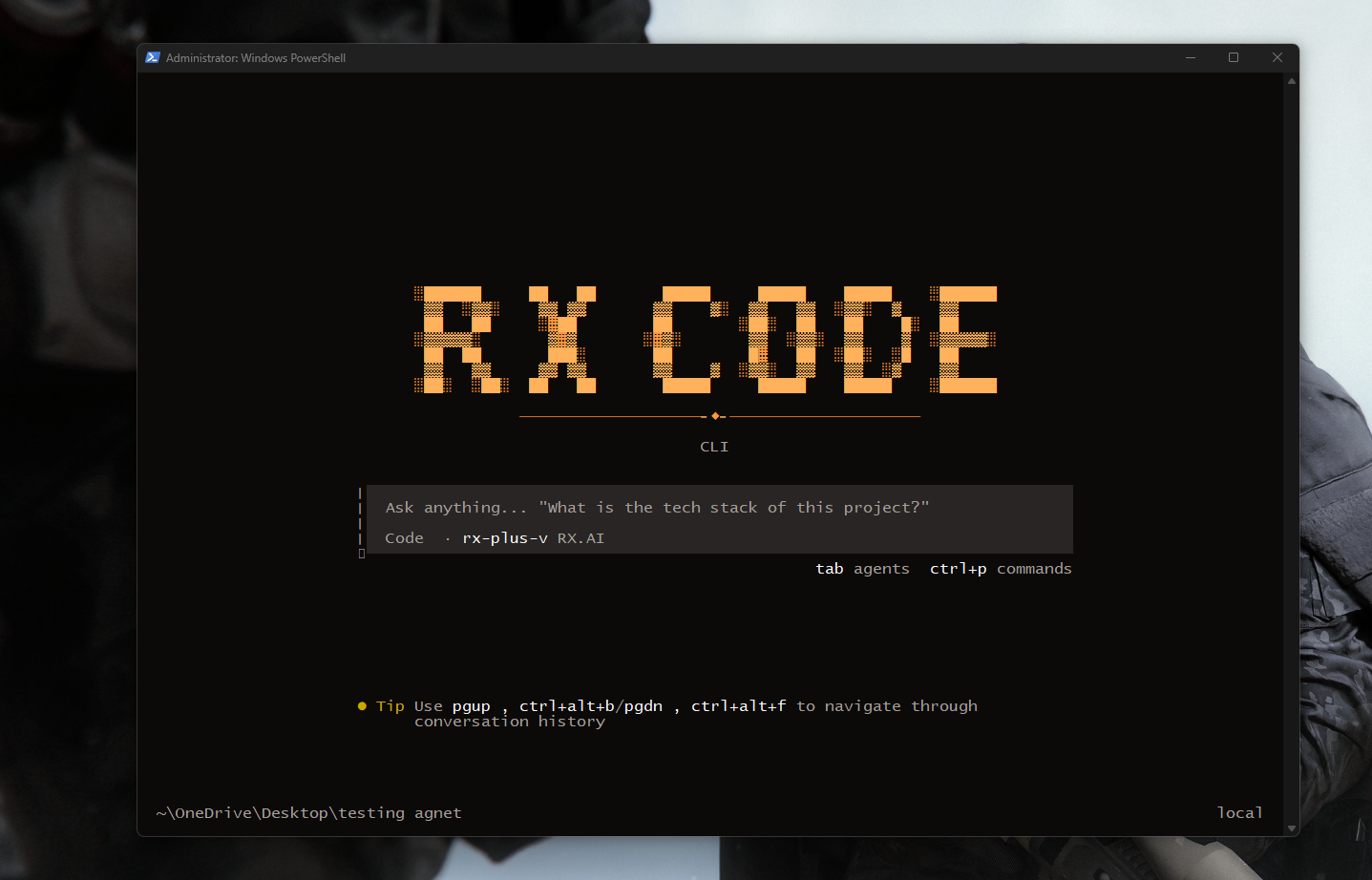
RX Code is a full-screen uncensored CLI beside your editor and shell. RX models come first. Usage and plan stay visible inside the session.
Sessions, agents, slash commands, and tool approvals live in the TUI. Windows Terminal is the best host.
Pick a repo root on disk. Read, search, edit, and run there. Change it later with /project.
/profile and /usage show tier and credits. Thinking, speed, and persona follow the plan you already have.
The Windows setup bundles the runtime. You do not install Bun or .NET yourself.
Default path is C:\Program Files\RxCode, with a desktop shortcut.
The folder picker remembers your project for the next launch.
Ask from the prompt. The agent reads, edits, and runs in that folder.
It is a coding agent in the terminal. Ask it to read, search, edit, and run in your project. You approve tools before they run.
Each session stays on one folder. Switch later with /project. Agents and slash commands stay on the same screen.
Yes. It edits files in the repo you opened and can run commands there. You stay in the CLI while it works.
RX models are listed first. Thinking, speed, and the active model follow the plan on your account.
Same monthly plans as RX.AI. Each one adds a usage credit pool for chat and Agent.
$34.99/mo
54,235 IQD
For serious developers — heavier sessions and longer context.
$14.99/mo
23,235 IQD
For regular users — daily chat, research, and drafts.
$69.99/mo
108,485 IQD
For heavy and security-focused users — maximum headroom.
One RX.AI account, one repo on disk, and the agent waiting in the terminal. macOS and Linux desktop packages are not in this release.
RXCode-Setup.exe for Windows 10 / 11. Sign in with your RX.AI account after install — same login as qalyx.dev.
Download RXCode-Setup.exeOpen RX.AI to manage your plan.